 Tusovka

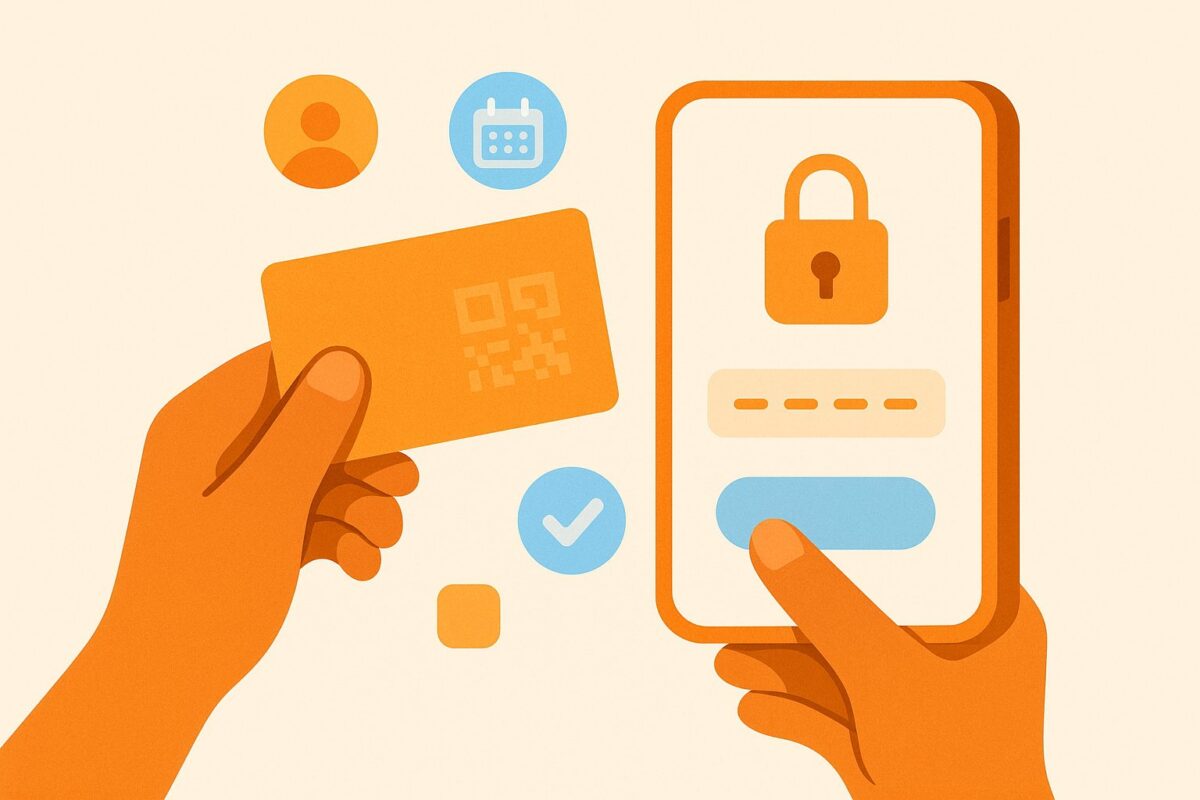
A member card works like a key to one hangout. Until you activate it, the hangout’s member list stays hidden and you can’t sign up for its meetups, even though anyone can see the meetups themselves. Activation is a one-time step that takes a couple of minutes, and when a code doesn’t go through, it’s almost always a typo.
What is a member card?
Tusovka is built as a set of private, invite-only hangouts. You create an account with a regular sign-up, but you can join a hangout only with a card: a physical card with a unique code. Each card belongs to one hangout and gets tied to one account, so you can’t use it twice or hand it to someone else after activation.
The code on the card always follows the XXXX-XXXX format: eight characters with a hyphen in the middle. That code is your invitation to the hangout.
Where do you get a card?
Cards aren’t for sale. Only the hangout leader issues them, and yours can reach you in one of two ways:
- At a meetup. If you were invited to the hangout, the leader hands you the card in person.
- By mail. The leader sends the card to the address you enter in your account.
If you don’t have a card yet, create an account, open the hangout’s page in the hangouts section and click “No card? Ask a hangout leader”. Once the leader approves your request, you choose how to receive the card in your account, under “Member card”, and see where the card is right now.
How to activate your card, step by step
Step 1. Open the activation page
Go to the card activation page. There is no other activation form on the site. There’s an even faster way: point your phone camera at the QR on the card, and the page opens with your code already in place.
Step 2. Enter the card code
Type the code exactly as it’s printed on the card, or click “Scan card QR”. The letters are Latin, case doesn’t matter, the hyphen in the middle is already there, and the field removes spaces and stray characters by itself. Codes never contain zero, the letter O, one or the letter I, so you can’t mix those up. The pairs people usually confuse are different: 5 and S, 2 and Z, 8 and B.
Step 3. Log in or create an account
Once the code is accepted, the site offers to log you in or create a new account. A new account needs your name, email, date of birth (sign-up is open from age 14) and a password of at least 8 characters. If you’re already logged in, just click “Link the card to this account”. This is the step where the card is tied to you and you become a member of the hangout.
Step 4. You’re in
Done. The card now counts as used, the same code can’t be entered again, and from here on you get into the hangout with your own login. Keep the card handy anyway: its QR and the digital copy in your account are how you get checked in at hangout meetups and how other members add you as a friend.
What opens up after activation?
As soon as your Tusovka card activation goes through, you become a member of the hangout the card belongs to. The meetup feed, hangout pages and the business directory are visible without a card, and the card adds the following:
- Hangout membership. One card, one hangout; to join another one, you need that hangout’s card.
- The full member list of the hangout, so you can see who else is in the circle.
- Sign-ups for hangout meetups with the “Going” button, or “Sign up” on paid meetups. If there are no spots, you’ll see a “Join the waitlist” button: when a spot frees up, it passes to you automatically.
- A digital card with a QR code in your account, under “Member card”: it’s what gets you checked in at the door.
Why isn’t my code working?
“Card not found. Check the code.”
The site shows this when no such code exists, and the cause is almost always a typo. Compare look-alike characters: 5 and S, 2 and Z, 8 and B. Check that you entered all eight characters, or, most reliably, just scan the QR on the card.
“Card is already activated. Log in to your account.”
This means an account already exists for this card. If you activated it yourself, don’t enter the code again, just log in with your own login. If someone passed the card to you and it turns out to be active already, contact the hangout leader: you’ll most likely need a new one.
What if sign-up is closed?
Sign-up on the site is open right now. If it’s ever switched off, the card code will keep working as a personal invitation: enter it on the activation page, not on the regular login form.
Other messages you might see
- Card revoked. This usually happens after you’ve left the hangout; ask the leader for a new card.
- You already have this hangout’s card. While your current card for this hangout is active, you can’t activate a second one, and you don’t need to.
- Too many attempts. Wait a little and try again.
- Hangout unavailable. Something is wrong with this card’s hangout on the site’s side; the leader can help sort it out.
Still not working? Who to contact
If you’ve tried everything and the code still won’t go through, don’t keep entering it over and over. Check the help center, which collects answers about activation. If the answer isn’t there, write to the support chat on the site or to [email protected] and describe what you see on the screen. Don’t paste the card code itself into the chat: the first replies there come from an AI assistant.
Card activation is a one-time thing: one code, a couple of minutes, and you’re in your hangout’s circle.